
Claude Code + Seedance MCP: Generate Dynamic Videos with Byte AI in the Terminal
📘 Complete Guide: Use all 11 AceData Cloud MCPs in Claude Code →
Seedance is an AI video generation model launched by ByteDance, which understands Chinese descriptions very accurately and produces naturally dynamic videos. After getting Claude Code, you can directly generate videos using natural language in the terminal—describe a scene and get the finished video in minutes.
¶ Obtain API Token
Before using the Seedance MCP Server, you need an AceData Cloud API Token:
- Open the AceData Cloud Platform, which supports login via GitHub, Google, WeChat, email, or phone number. Registration grants free quota.
- After logging in, you can see the API Token on the homepage; click to copy it.
- When your quota runs out, recharge at Console → Recharge, supporting Alipay, WeChat, and Stripe.
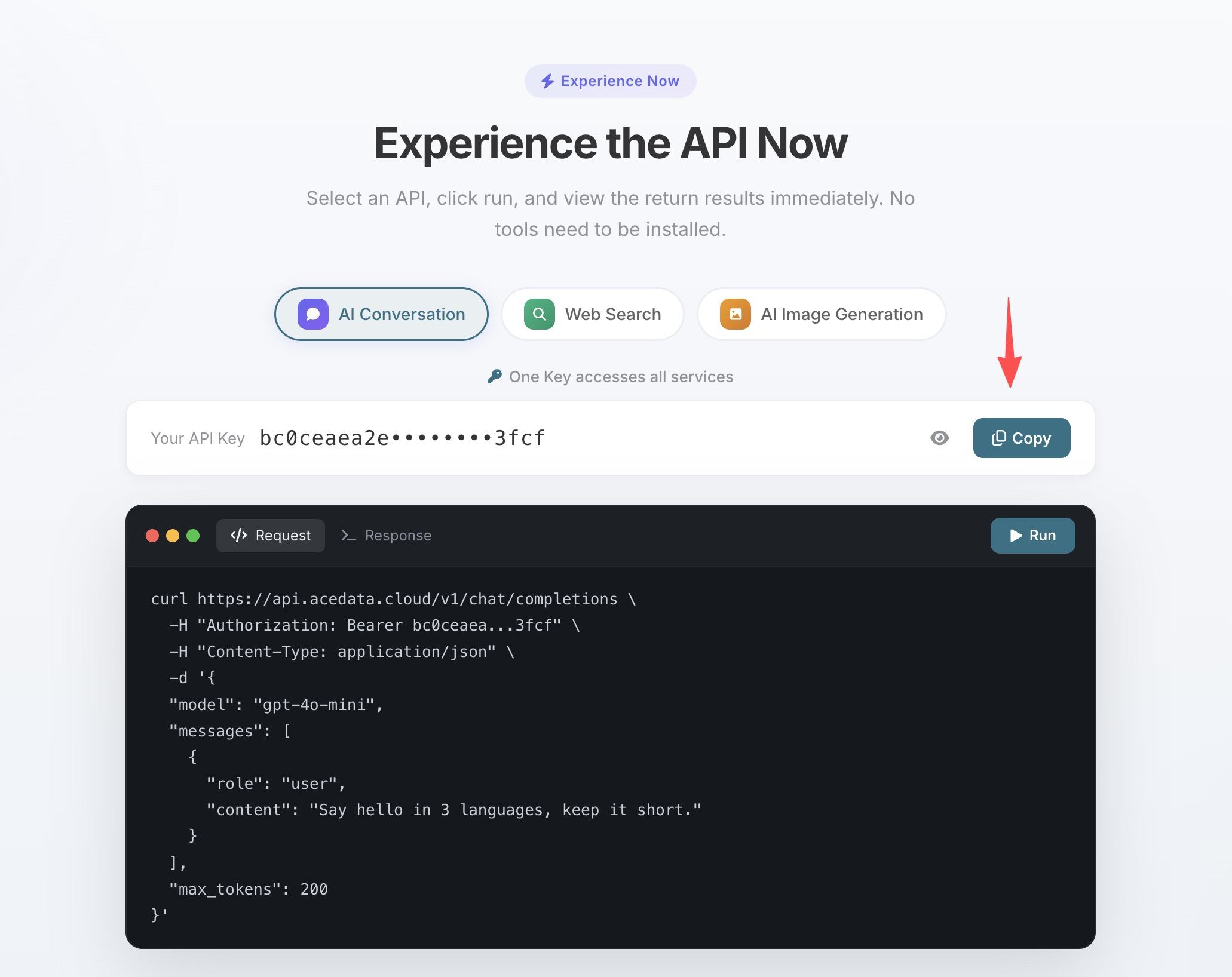
One Token grants access to all 11 MCP Servers; no need to apply separately for each service.
💡 Using claude.ai web version or Claude Desktop? They support OAuth one-click authorization without manually entering the Token. See Claude + Seedance MCP Illustrated Tutorial for details.
¶ Configure Claude Code
Run the following command in the terminal, replacing 你的Token with the API Token you copied earlier:
claude mcp add seedance --transport http https://seedance.mcp.acedata.cloud/mcp \
  -H "Authorization: Bearer 你的Token"
⚠️
-Hmust be uppercase. Lowercase-his--help, not a header parameter.
Without -s, the default scope is local, effective only in the directory where the command is run. It is recommended to explicitly specify the scope:
| Scope | Command Parameter | Config File | Scope of Effect |
|---|---|---|---|
local (default) |
no -s or -s local |
~/.claude.json |
Only the current project directory where the command runs |
user |
-s user |
~/.claude.json |
Global effect, available in all projects |
project |
-s project |
Project root .mcp.json |
Current project, can be committed to git and shared with the team |
💡 To share the same configuration with your team, add
-s project: the config will be written to the project root.mcp.json, which teammates can use after cloning from git. Do not commit your real Token to public repositories; use${ENV_VAR}placeholders plus environment variables instead.
Verify it works: run claude mcp list, you should see seedance showing ✓ Connected.
¶ Usage Examples
After configuration, return to the Claude Code session and call Seedance directly using natural language:
Product Demo Video
Generate video material directly when writing documents or making presentations:
Generate a video: a dashboard on an operations monitoring screen is refreshing in real time, curves are fluctuating, numbers are jumping, dark theme
Animate Images
Generate a video from this product image, slowly rotating the product for display
Generate Video Intro
Generated videos can be embedded directly into HTML / Markdown files:
Generate a 3-second video intro: a glowing code symbol </> transitions from blurry to clear, with particle effects in the background, tech blue tone
¶ Tools List
| Tool | Description |
|---|---|
| seedance_generate_video | Generate videos from text/images |