
Claude Code + Seedream MCP: Generate Chinese Illustrated Images with Byte AI in the Terminal
📘 Complete Guide: Use all 11 AceData Cloud MCPs in Claude Code →
Generating images with Chinese text using English models mostly results in garbled characters—Midjourney’s “Happy New Year” text is barely recognizable. Seedream, developed by ByteDance, specifically solves this problem and is currently the most accurate AI drawing model for rendering Chinese text. After integrating with Claude Code, you can generate images with Chinese characters in the terminal with a single command.
¶ Obtain API Token
Before using the Seedream MCP Server, you need an AceData Cloud API Token:
- Open AceData Cloud Platform, which supports login via GitHub, Google, WeChat, email, or phone number. Registration grants free credits.
- After logging in, you can see your API Token on the homepage—click to copy it.
- When credits run out, go to Console → Recharge to top up, supporting Alipay, WeChat, and Stripe.
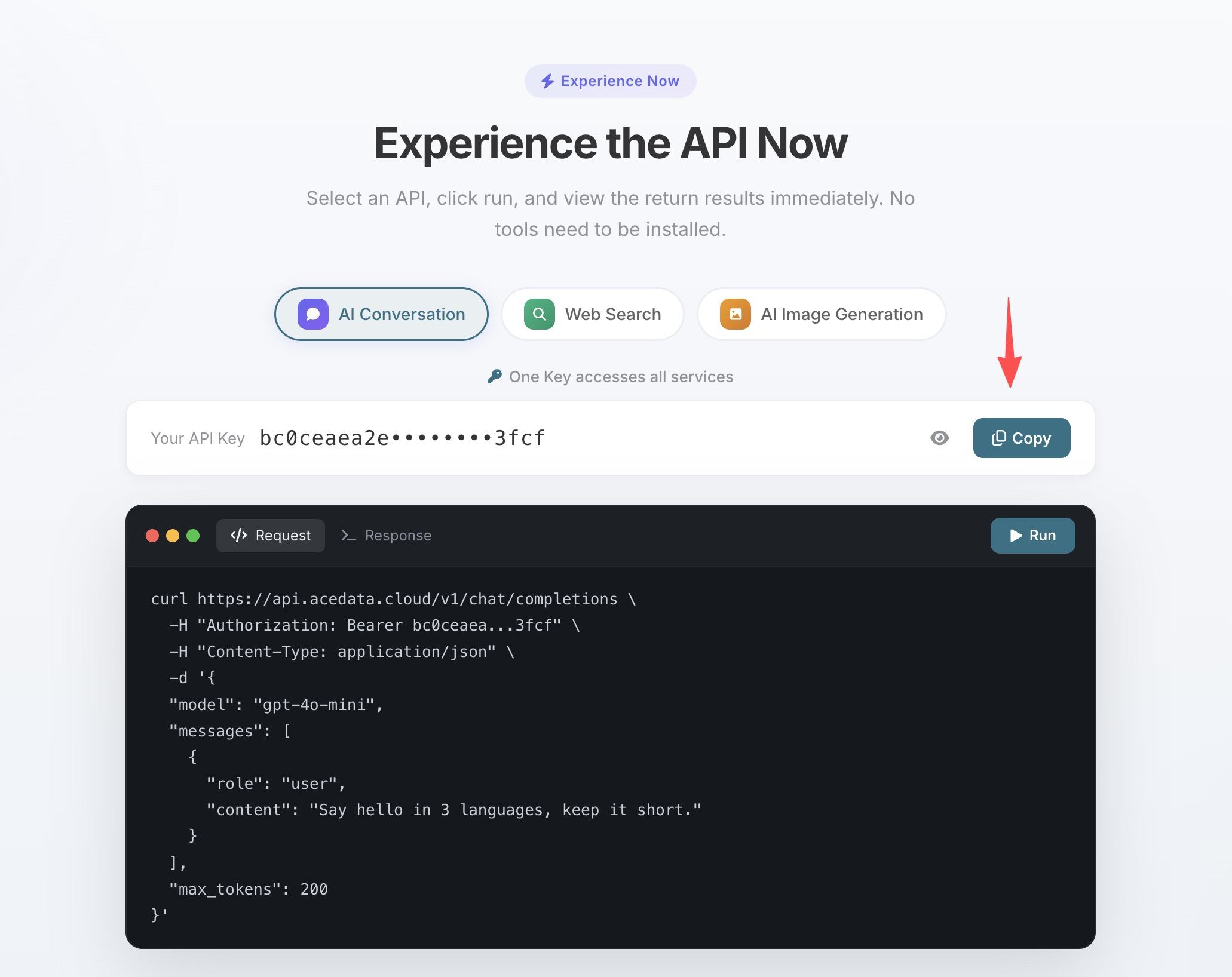
One Token grants access to all 11 MCP Servers; no need to apply separately for each service.
💡 Using claude.ai web or Claude Desktop? They support OAuth one-click authorization without manually entering the Token. See Claude + Seedream MCP Illustrated Tutorial for details.
¶ Configure Claude Code
Run the following command in the terminal, replacing 你的Token with the API Token you copied earlier:
claude mcp add seedream --transport http https://seedream.mcp.acedata.cloud/mcp \
  -H "Authorization: Bearer 你的Token"
⚠️
-Hmust be uppercase. Lowercase-his--help, not a header parameter.
Without -s, the default scope is local, which only applies in the directory where the command is run. It is recommended to explicitly specify the scope:
| Scope | Command Parameter | Config File | Scope of Effect |
|---|---|---|---|
local (default) |
no -s or -s local |
~/.claude.json |
Only effective in the current project directory |
user |
-s user |
~/.claude.json |
Global effect, available in all projects |
project |
-s project |
.mcp.json in project root |
Current project, can be committed to git for team sharing |
💡 To share the same configuration with your team, add
-s project: the config will be saved to the project root.mcp.jsonand can be committed to git for teammates to clone and use. Do not commit your real Token to public repositories. Use${ENV_VAR}placeholders with environment variables instead.
Verify it’s effective by running claude mcp list; you should see seedream marked as ✓ Connected.
¶ Especially Reliable for Chinese Scenarios
After configuration, you can directly call Seedream in a Claude Code session using natural language:
Images with Chinese text
The characters are clear, correct, and aesthetically pleasing:
Generate an event poster with the title "开发者大会 2025", subtitle "AI 驱动未来", in a blue tech style
Chinese-style aesthetics
If you are making an app for the domestic market and want a Chinese-style splash screen:
Generate a new Chinese-style illustration, distant green mountains and waters, nearby glowing digital particle streams, blending technology and tradition
Edit text in existing images
Change "v1.0" on this poster to "v2.0", keep everything else unchanged
¶ Tool List
| Tool | Description |
|---|---|
| seedream_generate_image | Text-to-image generation |