
Claude Code + Google Search MCP: Search Google Directly in the Terminal Without Switching Browsers
📘 Complete Guide: Use All 11 AceData Cloud MCPs in Claude Code →
When troubleshooting an OOM issue on a remote server using Claude Code, you come across an unfamiliar kernel log. Previously, you had to copy the error message, switch to a local browser to search, then switch back to the terminal. After connecting to the Serp MCP Server, Claude Code can search Google directly in the terminal without leaving the command line.
¶ Obtain API Token
Before using the Serp MCP Server, you need an AceData Cloud API Token:
- Open AceData Cloud Platform, which supports login via GitHub, Google, WeChat, email, or phone number. Registration grants free credits.
- After logging in, you can see the API Token on the homepage; click to copy it.
- When credits run out, go to Console → Recharge to top up. Supports Alipay, WeChat, and Stripe.
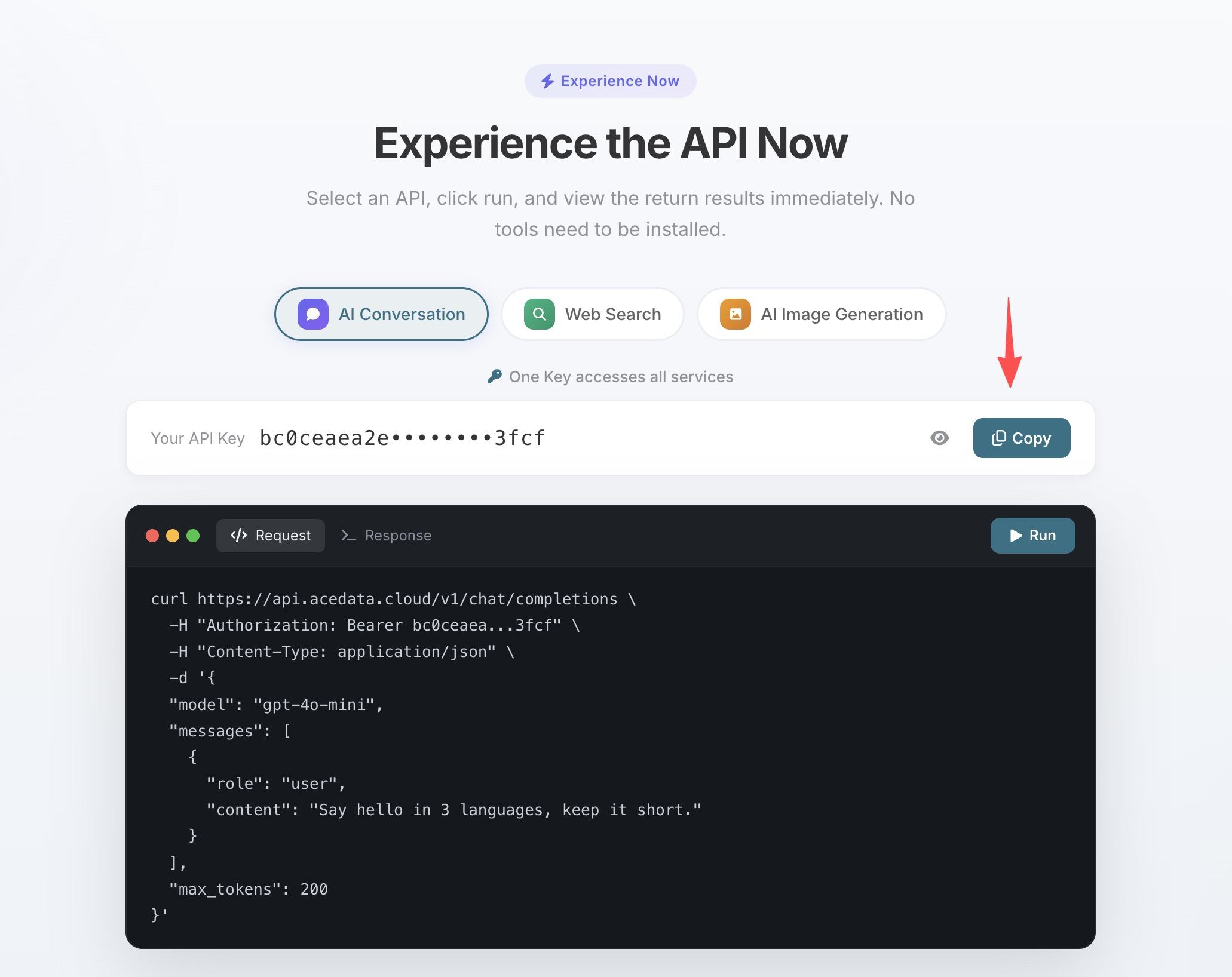
One Token grants access to all 11 MCP Servers; no need to apply separately for each service.
💡 Using claude.ai web version or Claude Desktop? They support OAuth one-click authorization, no need to manually enter the Token. See Claude + Google Search MCP Illustrated Tutorial for details.
¶ Configure Claude Code
Run the following command in the terminal, replacing 你的Token with the API Token copied in the previous step:
claude mcp add serp --transport http https://serp.mcp.acedata.cloud/mcp \
  -H "Authorization: Bearer 你的Token"
⚠️
-Hmust be uppercase. Lowercase-his--help, not a header parameter.
Without -s, the default scope is local, which only applies to the directory where the command is run. It is recommended to explicitly specify the scope:
| Scope | Command Parameter | Config File | Scope of Effect |
|---|---|---|---|
local (default) |
no -s or -s local |
~/.claude.json |
Only the project directory where the command runs |
user |
-s user |
~/.claude.json |
Global effect, available in all projects |
project |
-s project |
Project root .mcp.json |
Current project, can be committed to git and shared with team |
💡 To share the same configuration with your team, add
-s project: the config is written to the project root.mcp.jsonand can be committed to git so teammates can use it after cloning. Do not commit real Tokens to public repos; use${ENV_VAR}placeholders plus environment variables instead.
To confirm it is active: run claude mcp list, you should see serp showing ✓ Connected.
¶ Typical Scenarios
After configuration, you can directly invoke search in the Claude Code session using natural language:
Debugging Production Issues
SSH into a remote server and encounter an unknown error code. No need to open a browser or disconnect SSH:
search nginx error 502 bad gateway upstream sent too big header how to fix
Technical Selection Research
You can limit the time range to see only the latest results:
search performance comparison of Python async ORM in 2025, SQLAlchemy 2.0 async vs Tortoise ORM
Check Official Documentation
Searching official docs directly is more reliable than relying on memory:
search Kubernetes CronJob concurrencyPolicy official docs, difference between Forbid and Replace
¶ Tool List
| Tool | Description |
|---|---|
| serp_google_search | Google search (web / images / news / videos, etc.), supports specifying country, language, and time range |