
Claude Integration with NanoBanana MCP
📘 Overview Guide: Using all 11 AceData Cloud MCPs in Claude →
Want Claude to generate images directly but don’t want to spend money on Midjourney or wait for dozens of seconds? NanoBanana is a wrapper for Google Gemini 2.5 Flash Image series, with fast generation speed, low cost, and high adherence to prompts, making it particularly suitable for product concept images, social media graphics, and blog covers. With MCP attached, Claude can generate images in just a few seconds with a simple English prompt in the chat box.
This article is a hands-on record of running it on Claude.ai web version: from adding the Connector, OAuth authorization, to generating a 16:9 photorealistic image with a single prompt, with screenshots throughout for easy reproduction.
¶ What is MCP?
MCP (Model Context Protocol) is an open protocol launched by Anthropic that allows models like Claude to call external tools through a standard interface. In simple terms: adding plugin capabilities to Claude.
AceData Cloud has encapsulated the core capabilities of NanoBanana into a remote MCP Server, allowing Claude to directly:
- Generate images from text descriptions (
nanobanana_generate_image) - Edit images / make partial modifications / style transfers (
nanobanana_edit_image) - Query a single task (
nanobanana_get_task) - Batch query multiple tasks (
nanobanana_get_tasks_batch)
The entire integration requires just one URL, and the rest is handled by Claude.
¶ Adding NanoBanana MCP in Claude.ai Web Version
💡 The integration in Claude.ai web version is OAuth direct connection, no need to copy API Token. You only need an account that can log in to AceData Cloud (GitHub / Google / WeChat are all acceptable).
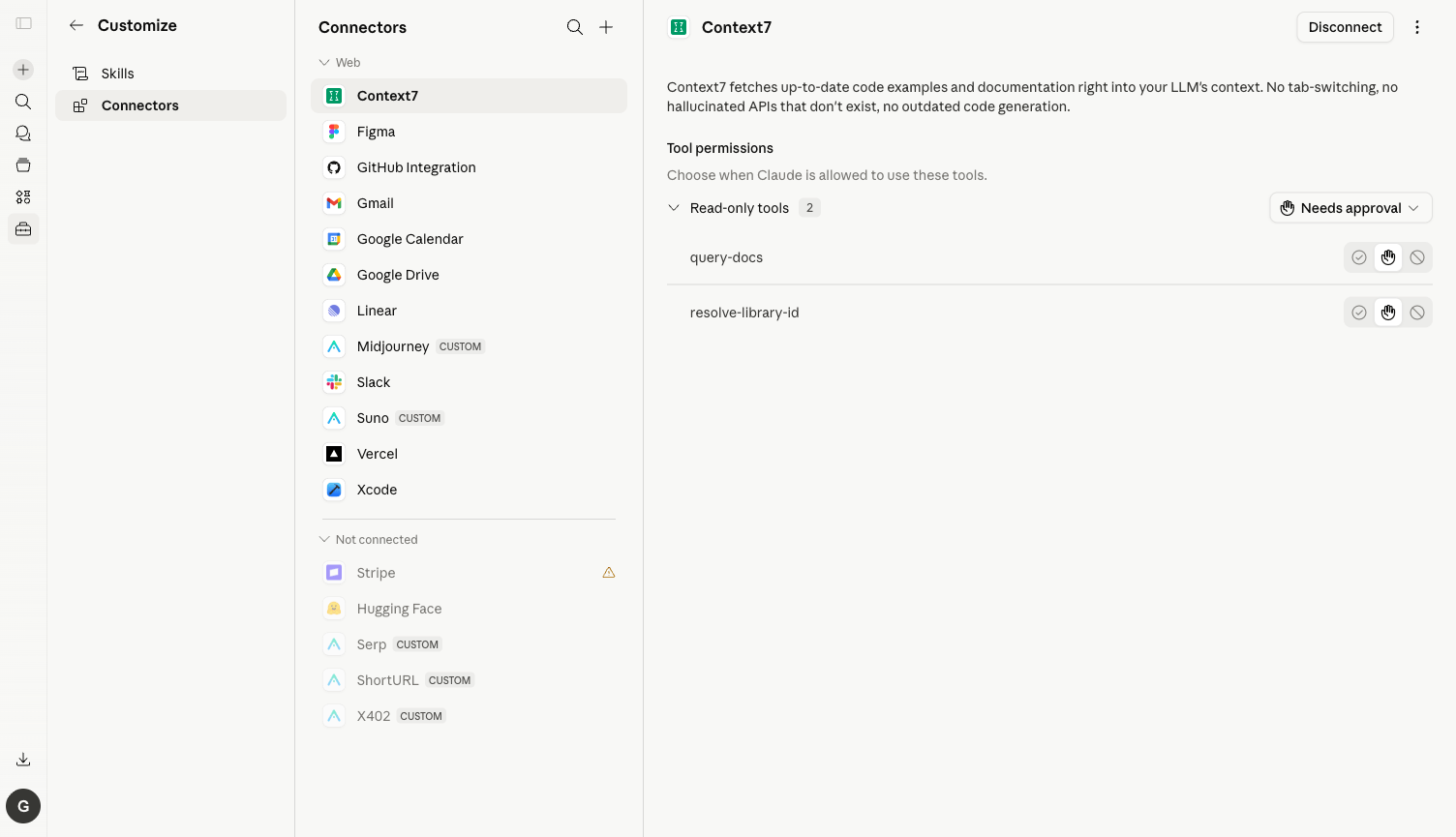
¶ 1. Open Connectors Settings
Log in to https://claude.ai, click on the avatar in the lower left corner → Settings → Customize → Connectors, or directly visit https://claude.ai/customize/connectors.
⚠️ The old entry
/settings/connectorshas been migrated to/customize/connectors. Accessing the old address will show a message "Connectors have moved to Customize."
¶ 2. Add NanoBanana MCP Server
Click Add custom connector, and fill in the pop-up dialog:
| Field | Value |
|---|---|
| Name | NanoBanana (choose any name) |
| URL | https://nanobanana.mcp.acedata.cloud/mcp |
Click Add, and Claude will automatically discover all the tools exposed by the Server.
¶ 3. OAuth Authorization
The first connection will redirect to the AceData Cloud OAuth authorization page. Log in with your AceData Cloud account and click Allow. If you haven't registered yet, go to https://platform.acedata.cloud to register; you will receive free credits sufficient to run the demo in this article.
¶ 4. Check Tool List & Set Tools to Always Allow
After authorization, return to Claude.ai, click on the NanoBanana Connector, and you will see 4 tools: nanobanana_generate_image, nanobanana_edit_image, nanobanana_get_task, nanobanana_get_tasks_batch.
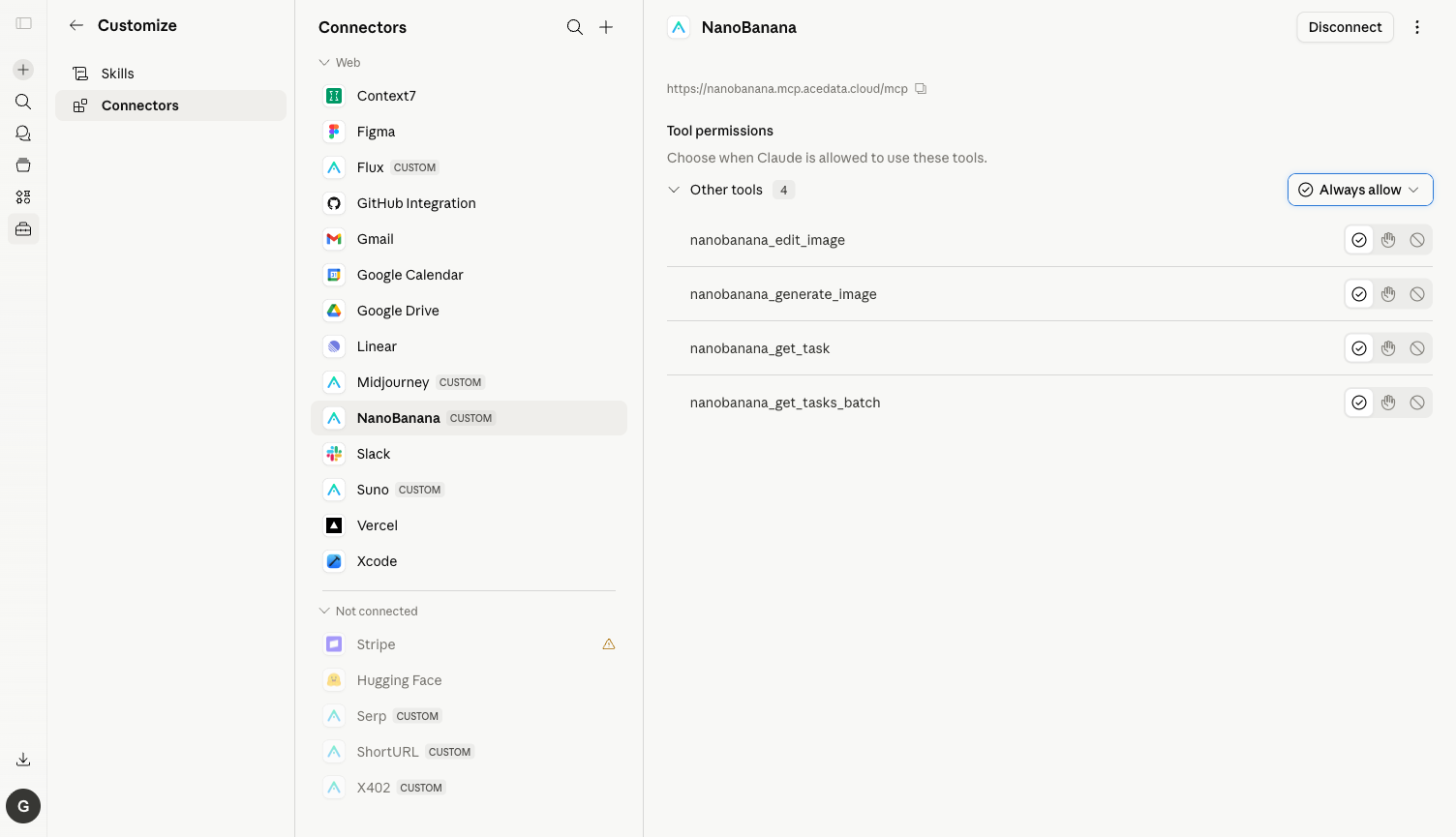
⚙️ It is highly recommended to switch each tool to Always allow, otherwise, a confirmation box will pop up every time a tool is called. Generating an image usually triggers 2 tool calls (submit + query status), leading to a frustrating experience.
¶ Practical Test: Generating an Image with a Single English Prompt
Below is a real conversation I ran, with the prompt in English (NanoBanana has more stable adherence to English prompts):
Prompt: Use NanoBanana to generate one image: a cute corgi astronaut floating in space, soft pastel nebula background, photorealistic, 16:9.
What Claude does upon receiving it:
- Automatically calls
nanobanana_generate_image, including the prompt and 16:9 aspect ratio. - Retrieves the task ID and calls
nanobanana_get_taskto pull the result. - About 10–20 seconds later, receives the final image.
- Posts the image link + text summary back to the chat box, along with a follow-up prompt asking "Do you need to change the style / theme?"
Here is the final result screenshot from the chat:
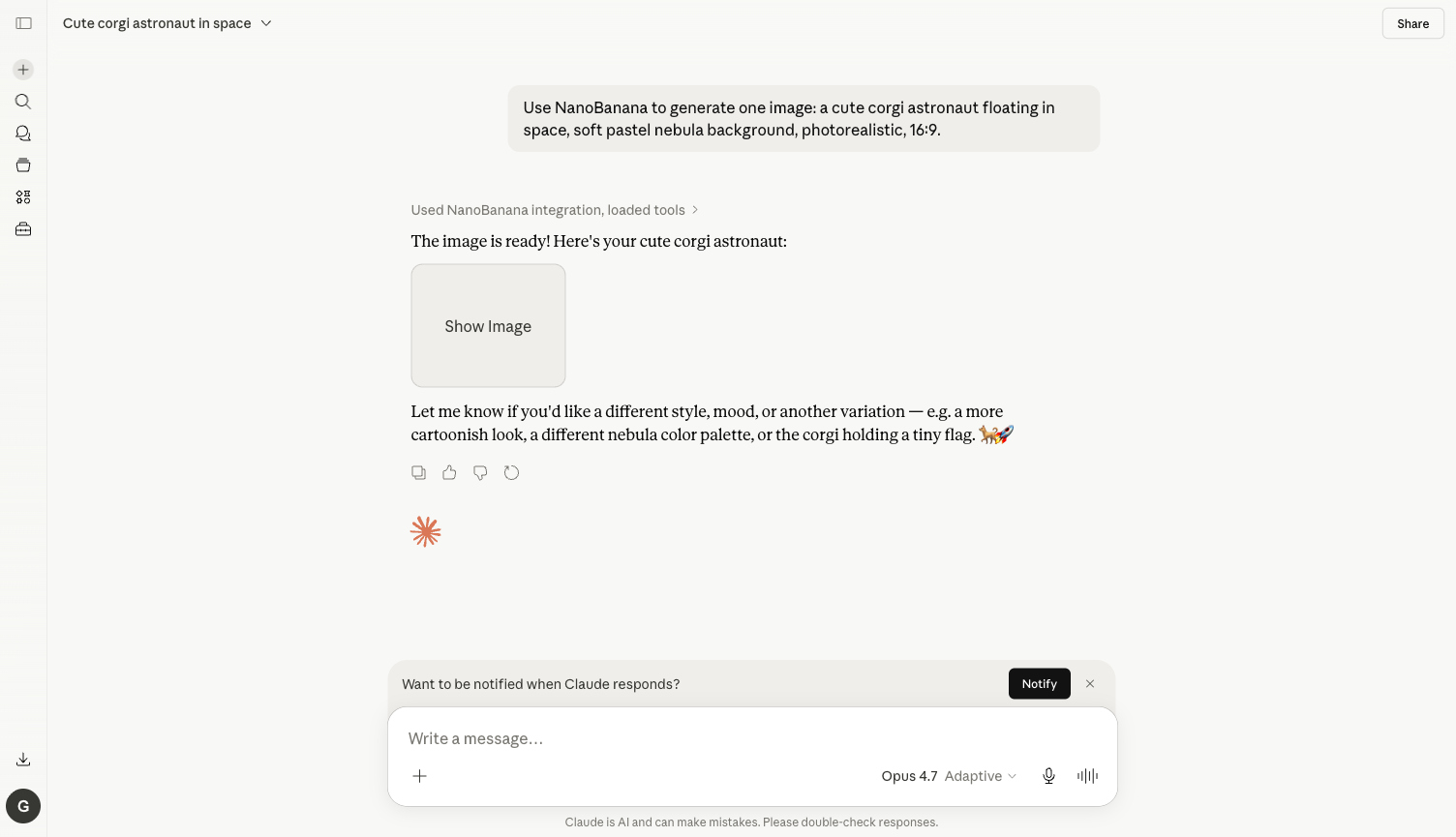
The actual generated final image (directly hosted on platform.cdn.acedata.cloud, available long-term):

💡 The image link is stable: AceData Cloud directly moves the images generated by NanoBanana to its own CDN (
platform.cdn.acedata.cloud/nanobanana/<id>.png), unlike direct connections to Google CDN that may expire. The links returned by Claude can be directly pasted into blogs, PPTs, and design drafts.
¶ More Use Cases (Using the Same Connector)
Change the prompt to the following, and Claude will automatically select the appropriate tool:
Edit Image / Make Partial Modifications
Take that corgi image and replace the helmet with a giant donut.
→ Claude calls nanobanana_edit_image, passing in the URL of the previous image for editing.
Style Transfer
Render the same scene in studio ghibli watercolor style.
→ Claude re-calls nanobanana_generate_image, including the style keyword.
Batch Generate Multiple Candidates
Generate 4 variations of that corgi astronaut, each in a different mood.
→ Claude sequentially calls generate 4 times, and finally uses nanobanana_get_tasks_batch to pull back the results all at once.
Direct Generation with Chinese Prompt
用 NanoBanana 生成一张图:夕阳下的东京塔特写,胶片质感,16:9。
→ NanoBanana is also friendly to Chinese prompts, and Claude will pass it in as is.
¶ Frequently Asked Questions
Q: Why do I still need to confirm new tools even after clicking Always allow? A: Always allow remembers on a per-tool basis. Generate, Edit, Get Task, Get Tasks Batch are 4 different tools, and you only need to confirm each once.
Q: What should I do if my balance is insufficient?
A: The error message will include insufficient balance. Go to https://platform.acedata.cloud/console/coin to recharge, supporting Alipay / WeChat / Stripe / USDC. Generating a NanoBanana image usually consumes very little credit, and the free credits for new accounts are enough for several tests.
Q: What advantages does it have compared to Midjourney / Flux?
A: NanoBanana focuses on fast speed + low price, with a single image taking 10–20 seconds and costing a few cents; Midjourney produces more artistic images but is slower and more expensive; Flux is suitable for realistic styles but occasionally has channels that are unavailable. For daily social media posts, blog illustrations, and product images, it is recommended to prioritize NanoBanana.
Q: Can it be used together with other MCPs?
A: Yes. Claude.ai supports multiple connectors simultaneously. A sentence like "Use NanoBanana to generate a cyberpunk city image, then use Suno to write a song that matches the atmosphere of this image" allows Claude to arrange the image + music pipeline by itself. For the complete list, see Claude × 11 MCP Overview.
Q: Can Claude Desktop and Claude Code be used this way too?
A: Yes. For details, see Claude Desktop + NanoBanana MCP and Claude Code + NanoBanana MCP.