
Cursor Integration with NanoBanana MCP
NanoBanana is different from other AI drawing tools—it doesn't just "create a new image," but is more powerful in "modifying an old image." It uses the Google Gemini model at its core, which truly understands image content and can edit it precisely.
The most practical capability: give it two images and let it place the product from image A onto the background of image B, or redraw image B in the style of image A. Now, through the MCP protocol, you can call it with a single line in Cursor.
¶ Obtain API Token
Before using the NanoBanana MCP Server, you need an API Token from AceData Cloud. The process is very simple:
- Open the AceData Cloud platform, which supports GitHub, Google, or WeChat login, and you will automatically receive a free quota after registration.
- After logging in, you can see your API Token on the homepage; click the copy button to obtain it.
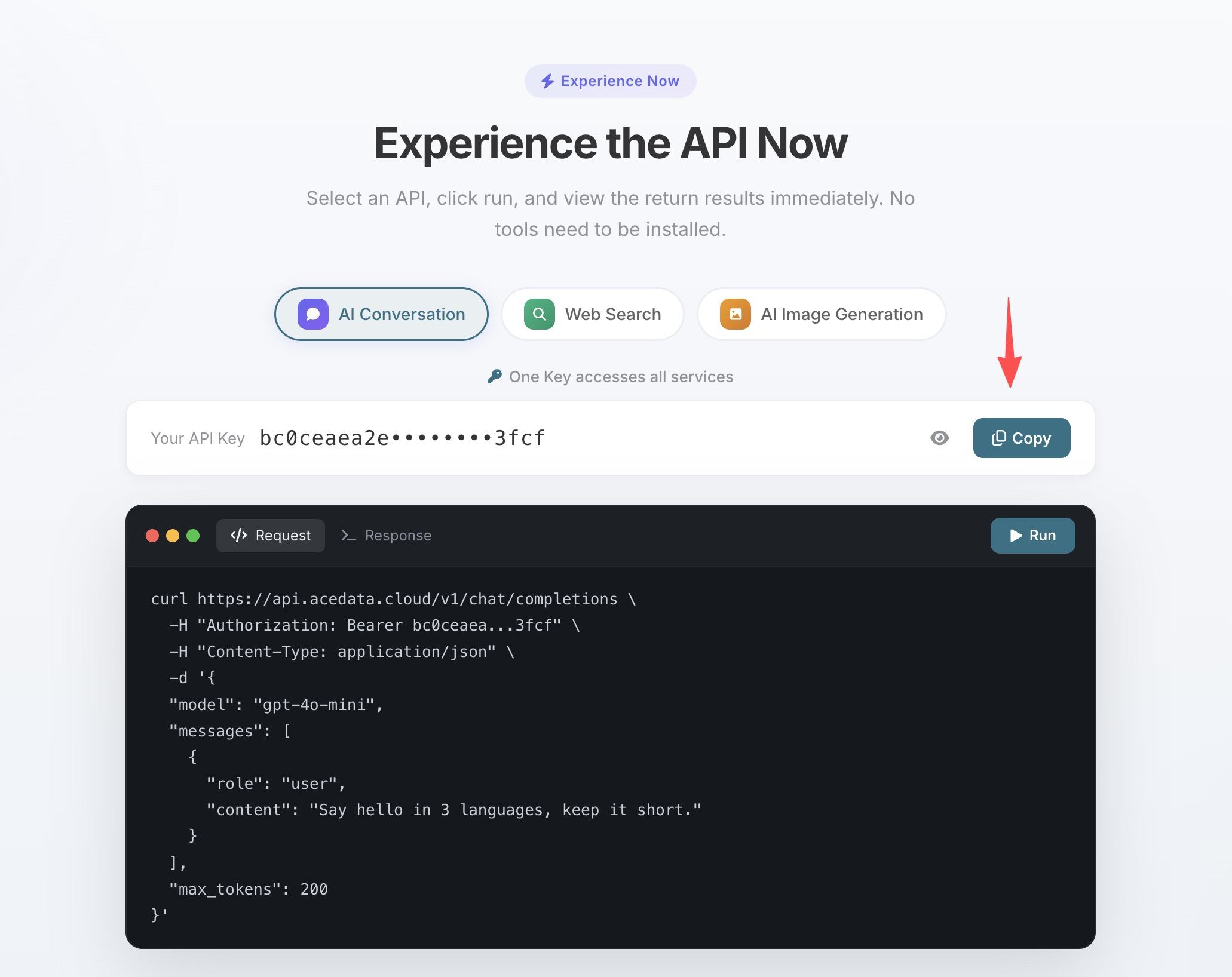
- If the quota runs out, you can go to the console to recharge, supporting Alipay, WeChat, and Stripe.
One Token can be used for all MCP Servers, no need to apply separately for each service.
¶ Configure Cursor
Create .cursor/mcp.json in the project root directory:
{
  "mcpServers": {
    "nanobanana": {
      "type": "http",
      "url": "https://nanobanana.mcp.acedata.cloud/mcp",
      "headers": {
        "Authorization": "Bearer yourToken"
      }
    }
  }
}
After saving, restart Cursor, and you can use NanoBanana's image generation and editing features in Agent mode.
¶ Real Development Scenarios
"Beautify this screenshot"
You recorded an ugly terminal screenshot and want to put it in your blog but find it too plain:
> Edit this image, add a rounded corner shadow window decoration, and change the background to a light gray gradient.
Multi-image Composition
The product manager gave you a product image and a scene image, and you need to compose an effect image of "the product being used in the scene":
> Place the phone from the first image onto the desktop in the second image, adjusting the size and perspective to make it look natural.
nanobanana_edit_image supports passing multiple image URLs, and the AI understands the relationships between images.
404 Page and Other Fun Illustrations
> Generate an illustration of a small dinosaur lying next to a crack in the broken ground looking down, to be used for a 404 page.
The NanoBanana Pro model produces good quality illustrations with varied styles.
¶ Tool List
| Tool | Description |
|---|---|
| nanobanana_generate_image | Text to image generation |
| nanobanana_edit_image | Image editing (supports multiple image input) |
¶ Other Editor Configurations
- VS Code —
.vscode/mcp.json, same configuration underservers - Claude Code — Terminal command line configuration, see Claude Code + NanoBanana MCP Tutorial
- Claude Desktop — Configuration file path: macOS
~/Library/Application Support/Claude/claude_desktop_config.json, Windows%APPDATA%\Claude\claude_desktop_config.json, usingmcpServersformat