
Cursor Integration with Google Search MCP
You are writing an OAuth integration with Cursor and suddenly can't remember whether the state parameter is required or optional. In the past, you would Cmd+Tab to switch to the browser, open Google, search, click through a few links, find the answer, and then switch back.
Not anymore. Just say this in the AI panel of Cursor:
Search for best practices for the state parameter in the OAuth 2.0 authorization code flow
Serp MCP will call Google Search in real-time and return the results in a structured format to the AI, which will then provide suggestions based on your code context. Throughout the process, your hands don't need to leave the editor.
¶ Obtain API Token
Before using the Serp MCP Server, you need an AceData Cloud API Token. The process is very simple:
- Open the AceData Cloud platform, which supports GitHub, Google, or WeChat login, and you will automatically receive a free quota after registration.
- After logging in, you can see your API Token on the homepage; click the copy button to obtain it.
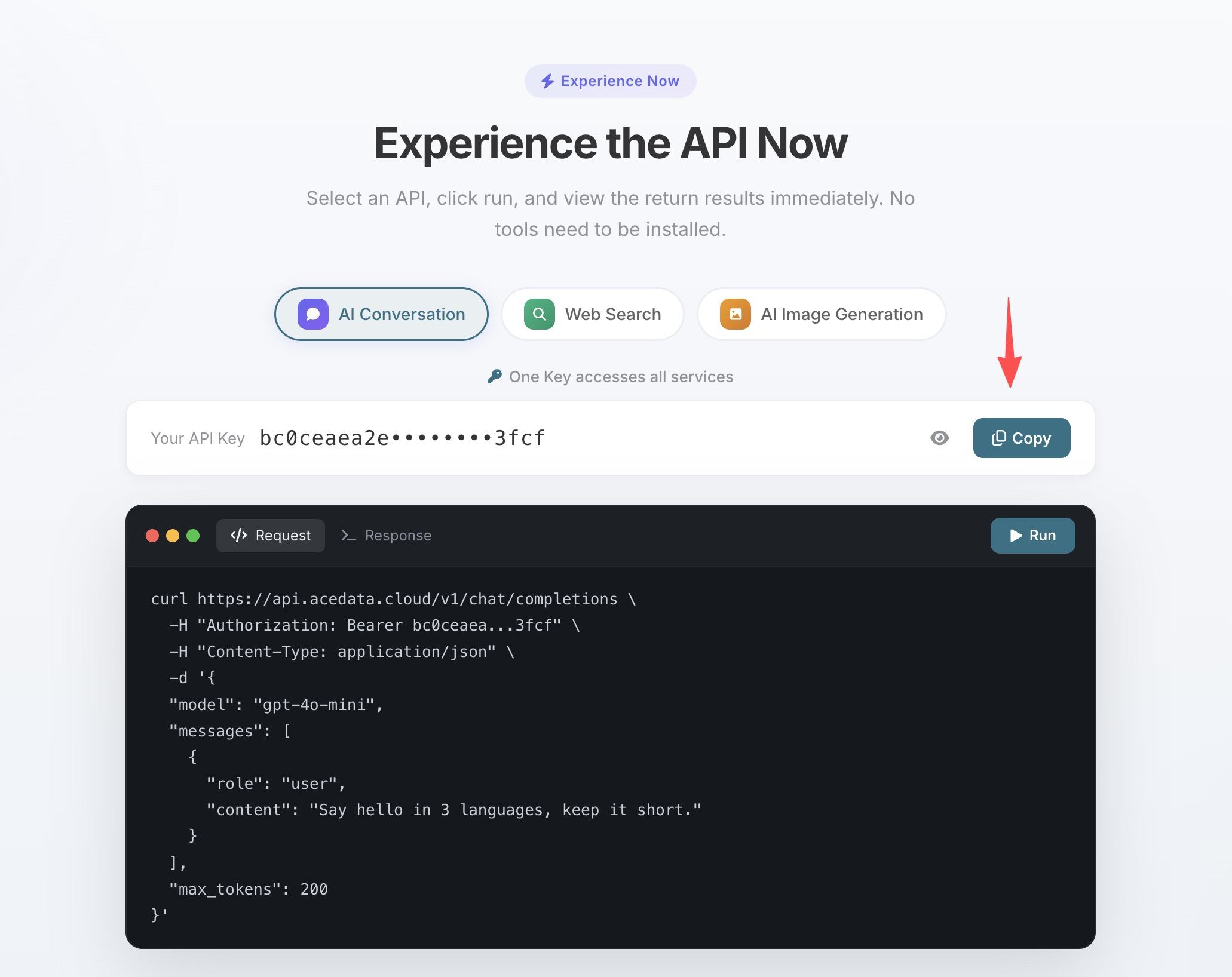
- If your quota runs out, you can go to the console to recharge, supporting Alipay, WeChat, and Stripe.
One Token can be used for all MCP Servers, no need to apply separately for each service.
¶ Configure Cursor
Create .cursor/mcp.json in the project root directory:
{
  "mcpServers": {
    "serp": {
      "type": "http",
      "url": "https://serp.mcp.acedata.cloud/mcp",
      "headers": {
        "Authorization": "Bearer yourToken"
      }
    }
  }
}
Replace yourToken with the API Token copied in the previous step. Save and restart Cursor to use it.
¶ Real Development Scenarios
When debugging errors
Search Python asyncio "RuntimeError: This event loop is already running" how to resolve
The AI will provide you with the solution directly after searching and can point out exactly which line in your code to modify.
When choosing technology
Search RabbitMQ vs Kafka comparison in event-driven architecture between microservices, latest in 2024
The search supports filtering by time, showing only the most recent results.
Finding competitors and design inspiration
Search Google Images for design references of SaaS product pricing pages, minimalist style
Serp supports various search types including web pages, images, news, videos, etc.
¶ Complete Tool List
| Tool | Description |
|---|---|
| serp_google_search | Google Search (web/images/news/videos, etc.) |
Supports specifying country, language, and time range, such as only viewing English results from the past week.
¶ Other Editor Configurations
- VS Code — Add the same configuration under
serversin.vscode/mcp.json - Claude Code — Terminal command line configuration, see Claude Code + Google Search MCP Tutorial
- Windsurf —
.windsurf/mcp.json, format same as Cursor