
Cursor Integration with Suno MCP
At two in the morning, the code finally ran successfully. You want to celebrate, but can't find suitable BGM on Spotify.
What if I told you that without leaving Cursor, you could tell the AI "help me write a song to celebrate bug fixes," and 30 seconds later, you would hear a complete song—would you believe it?
That's what Suno MCP does—it gives the AI built into Cursor professional-level AI music creation capabilities, from writing lyrics and composing music to vocal separation, all accomplished through natural language.
¶ Obtain API Token
Before using the Suno MCP Server, you need an AceData Cloud API Token. The process is very simple:
- Open the AceData Cloud platform, which supports GitHub, Google, or WeChat login, and you will automatically receive a free quota after registration.
- After logging in, you can see your API Token on the homepage; click the copy button to obtain it.
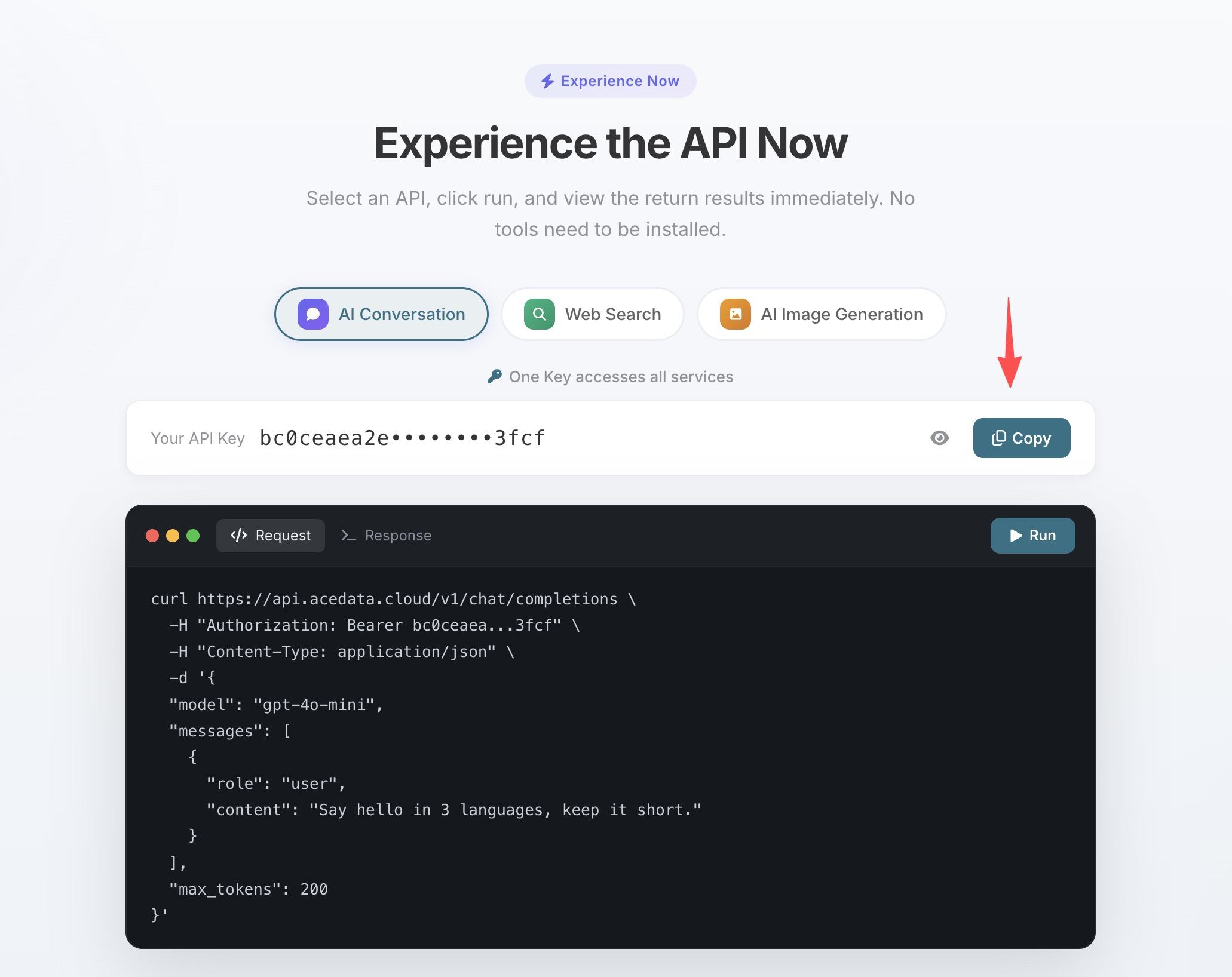
- If your quota runs out, you can go to the console to recharge, supporting Alipay, WeChat, and Stripe.
One Token can be used for all MCP Servers, no need to apply separately for each service.
¶ Configure Cursor
Create a .cursor/mcp.json file in your project root directory and fill in the following content:
{
  "mcpServers": {
    "suno": {
      "type": "http",
      "url": "https://suno.mcp.acedata.cloud/mcp",
      "headers": {
        "Authorization": "Bearer yourToken"
      }
    }
  }
}
Replace yourToken with the API Token you copied in the previous step. After saving, restart Cursor, and you will see that the Suno-related tools have been loaded in the AI panel's tool list.
¶ What You Can Ask AI to Do
Scenario 1: Background Music for an App
You are writing a meditation app and need a 3-minute piece of light music. Previously, you would have to search, download, and edit from material websites. Now:
Help me generate a 3-minute meditation light music, using piano and ambient sounds, with a very slow rhythm, suitable for deep breathing.
Suno directly produces the finished product and can use suno_extend_music to continue your favorite sections.
Scenario 2: Soundtrack for an Indie Game
Help me create a main menu music for a pixel game, in 8-bit chip music style, a bit passionate and nostalgic, looping seamlessly.
Once satisfied, use suno_stems_music to separate the vocals and accompaniment, keeping only the pure music track.
Scenario 3: Theme Song for a Product Launch
Write a set of lyrics with the theme "API that connects the world," and then generate an electronic music piece with a tech feel using these lyrics.
First, use suno_generate_lyrics to generate the lyrics, then suno_generate_custom_music to specify the lyrics and style, completing it in two steps.
¶ Complete Tool List
| Tool | Description |
|---|---|
| suno_generate_music | Generate a song from a description |
| suno_generate_custom_music | Specify lyrics, style, gender |
| suno_extend_music | Continue writing from a certain point |
| suno_cover_music | Cover in a different style |
| suno_mashup_music | Mix two songs together |
| suno_stems_music | Separate vocals and accompaniment |
| suno_generate_lyrics | Generate only lyrics |
| suno_create_persona | Save your favorite voice |
¶ Other Editor Configurations
- VS Code — Add the same configuration under
serversin.vscode/mcp.json - Claude Code — Terminal command line configuration, see Claude Code + Suno MCP Tutorial
- Windsurf —
.windsurf/mcp.json, format same as Cursor